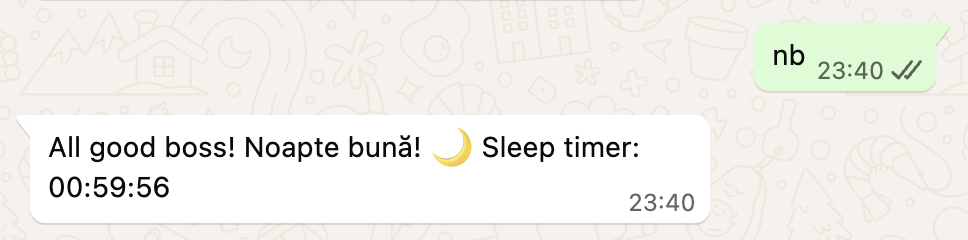
Vasile: my nanoclaw chat bot
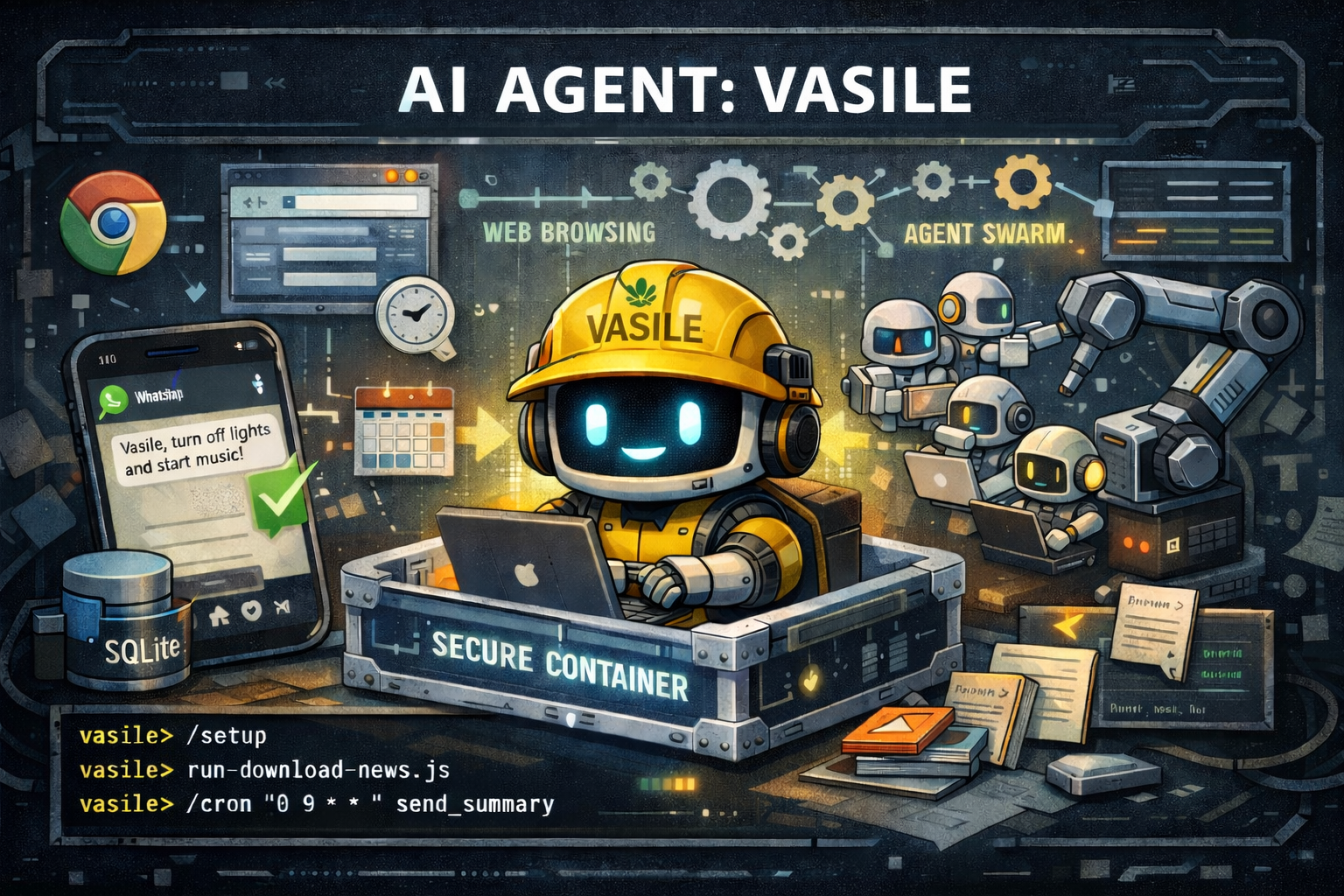
Every night before falling asleep I send the message nb to a WhatsApp contact called Vasile. A few seconds later I get back:
All good boss! Noapte buna! 🌙 Sleep timer: 01:00:00
In that time, Vasile turned off the bedroom lights and the terrace light, killed the desk socket, dropped the Sonos volume to 1%, set a 60-minute sleep timer, started a 432 Hz “Deep Sleep” playlist on shuffle, and verified the timer via a UPnP call to the speaker. Six actions across three systems, triggered by two letters.
That’s the whole pitch.
The nb skill, end to end
The bedtime routine is worth walking through because it shows how skills turn fuzzy intent into deterministic action.
The homeassistant SKILL.md contains a section that begins:
Triggers:
noapte buna,goodnight,nb routine,bedtime. Execute ALL steps in order. Do all steps silently. Only send the final confirmation.
Then the steps are spelled out as a numbered list: turn off light.ws_ln_bedroom, turn off switch.bedroom_desk_socket, turn off light.xi_ws_bedroom_outside_right, set media_player.move_2 volume to 0.01, call sonos.set_sleep_timer with sleep_time: 3600, start playlist spotify:playlist:0UJ5qDOZb1zlJJ23b54bRg with shuffle, then query the Sonos directly over UPnP to read back the remaining timer. (Home Assistant 2025.12+ no longer exposes sleep_time as a state attribute, so the skill bypasses HA and talks to the speaker on port 1400.)
Ask Vasile directly and he’ll describe the routine back in plain English:
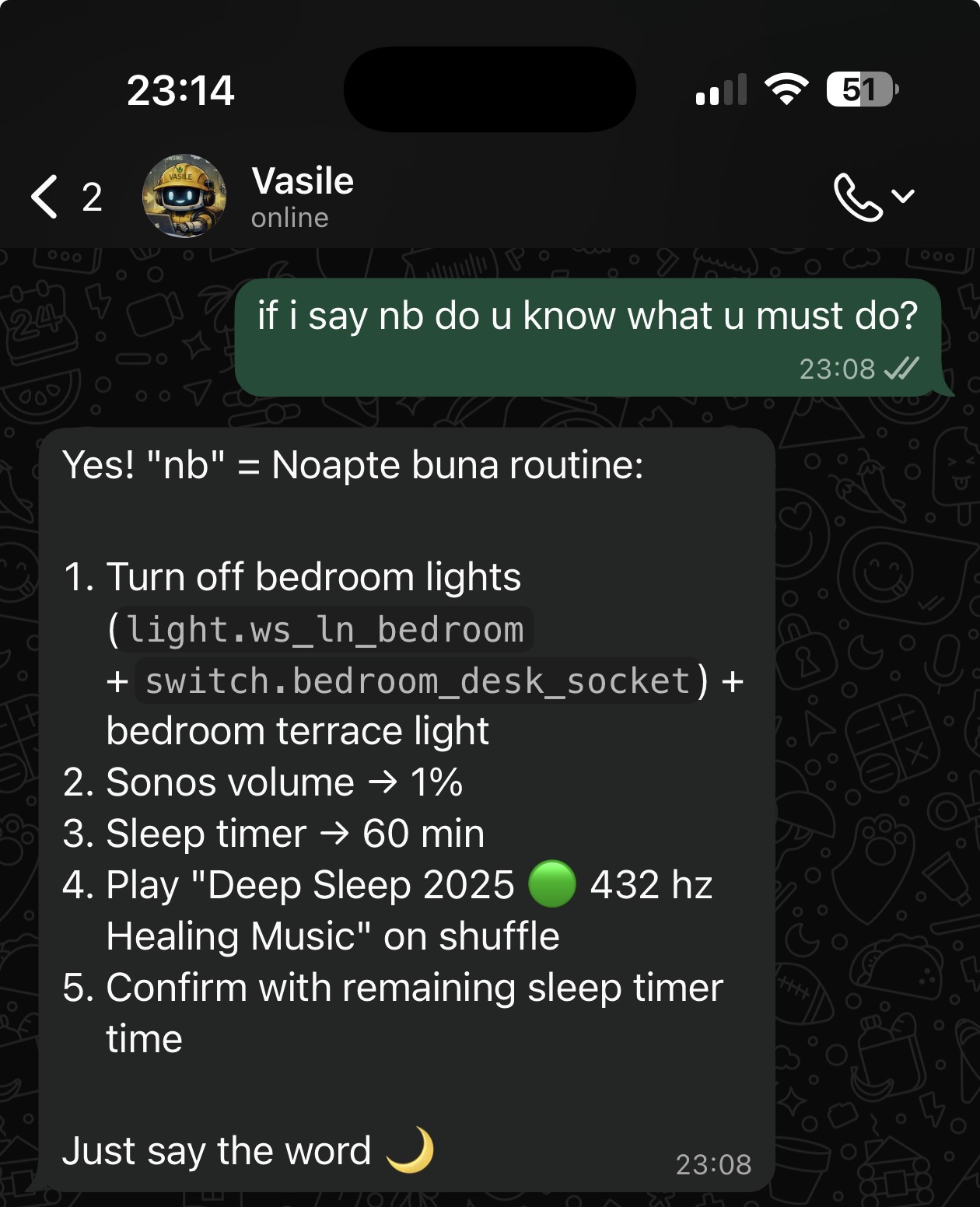
I didn’t write any of that as code. I wrote it as a Markdown bulleted list inside SKILL.md. Claude reads the list at session init and executes it.
That’s the unit of capability around here: a folder with a SKILL.md describing triggers, available tools, and reply formatting. Nothing else.
What is nanoclaw
When the wave of *claw projects appeared (OpenClaw and a handful of clones around it, all selling “Claude as a personal agent on every channel”), I picked nanoclaw for three reasons: it looked tiny enough to actually read end to end, the isolation was real (containers, not just allowlists), and it worked with my existing Claude subscription instead of requiring a separate API plan.
nanoclaw is an open-source personal-AI-agent framework. The tagline on the site is “Your personal AI agent. Secure. Lightweight. Yours.” and it backs that up: roughly 15 source files in the trunk, fewer than 10 runtime dependencies, deliberately bespoke. You’re meant to fork it and make it your own, with Claude Code itself helping you do it.
A few design choices shape everything downstream:
- Security by OS isolation, not allowlists. Every agent group runs inside its own Linux container with only the host paths you explicitly mount. Bash and tool use are safe because they execute inside the container, not on your host. The official framing is sharper than I’d write it: “Each agent group runs in its own container with its own CLAUDE.md, memory, skills, and only the mounts you allow. Nothing crosses the boundary unless you wire it to.” Docker recently took this posture further by announcing a nanoclaw integration with Docker Sandboxes for MicroVM-based isolation (Mark Cavage, Docker’s COO: “Powerful agents require isolation. Running NanoClaw inside Docker Sandboxes gives the agent a secure, disposable boundary, so it can run freely, safely.”).
- Credentials never sit in the container. Outbound LLM traffic is routed through a small local gateway called OneCLI, which injects the real Anthropic credential at request time. The container itself holds a placeholder token. If it’s ever compromised, the real thing isn’t there to leak.
- Multi-channel by skill. Trunk ships the registry and the orchestration host, not channel adapters. WhatsApp, Telegram, Discord, Slack, Signal, Microsoft Teams, iMessage, Matrix, Google Chat, Webex, WeChat, Linear, GitHub, email (via Resend), Emacs, and a local CLI channel all live as installable adapters on a long-lived
channelsbranch. You install only what you use via/add-<channel>slash-commands inside Claude Code. - Three isolation modes per channel. When you add a channel you decide how it shares context with your existing agents: separate agent group (no shared context), same agent with per-channel sessions (shared workspace, separate threads), or fully shared session (multiple channels feed into one conversation). Per-channel, reversible.
- Everything is a message. No IPC, no file watcher, no stdin piping between host and container. Two SQLite databases per session (
inbound.db,outbound.db) are the only IO surface. The host writes inbound messages and tool replies into one DB and polls the other for outbound messages and tool calls; the agent-runner inside the container does the mirror. One writer per file, so SQLite never contends across the bind-mount. A 1-second active poll for live sessions, a 60-second sweep for liveness and recovery.
The inbox/outbox + SQLite-as-contract design is the part I find most elegant. The agent-runner is genuinely substitutable: as long as something writes Claude’s replies into the outbound DB on time, the host doesn’t care what produced them. Host orchestrates, container computes, two SQLite files in between are the contract.
What he can actually do
Vasile is my deployment of nanoclaw on a Proxmox VM at home. He talks to me on WhatsApp (a dedicated number) and on a couple of Slack channels (Socket Mode, no public webhook needed); state lives in a separate runtime repo that survives reprovisioning; secrets come from Infisical and are rendered onto the VM by a long-running agent process, never committed to git, never baked into the image.
He currently runs these skills:
| Skill | What it does | Example prompt |
|---|---|---|
homeassistant | Full smart-home control over 865+ entities: lights, switches, Sonos, climate, sensors, automations | stinge living, nb, is anyone home? |
sonos | Direct Sonos control, separate from the HA path for fast one-off commands | play deep sleep on shuffle, volume 30% |
kubectl | Read-only access to my Kubernetes cluster via a scoped ServiceAccount with a never-expiring token | any pods crashlooping?, logs for the cnpg primary |
prometheus | PromQL queries against my homelab Prometheus, including custom nanoclaw token-usage metrics | 7-day quota utilisation?, cpu on the green cluster? |
alertmanager | Inspect firing alerts, acknowledge, silence | what's firing?, silence the disk alert for 2h |
freshrss | 24-hour news digest, grouped by category, summarised for WhatsApp | give me today's digest, top 3 per category |
forgejo | Manage my self-hosted git: PRs, issues, CI logs, repo metadata | open a PR for this branch titled "fix: cache bug" |
usage-report | 24-hour Claude token + quota report, on demand and scheduled at 09:00 every day | daily usage |
issue-tracker | Watches a list of GitHub issues and releases for changes; a daily pre-agent script hits the GitHub API and only wakes Vasile when something actually changed | watch github.com/org/repo/issues/42, remove from watch list |
One implementation note: the kubectl skill consumes a kubeconfig rendered from Infisical, scoped to a vasile-reader ClusterRole with get/list/watch on every resource (Secrets included, deliberately) but no exec, no portforward, no writes. The token is a kubernetes.io/service-account-token JWT that never expires, regenerated on each blue/green cluster swap.
None of these came from a registry. Each one is hand-authored Markdown in this repo, written with Claude doing most of the typing while I described what I wanted Vasile to do.
That’s a deliberate security choice. A skill gets the same tool permissions the agent has, so importing a stranger’s Markdown into your assistant is the AI-agent equivalent of curl | bash from an unverified URL. The credentials are scoped the same way: every integration has its own dedicated token, rendered from Infisical only at runtime. The kubectl ServiceAccount reads but cannot write; the Forgejo token writes only to the repos vasile is allowed to touch; the Anthropic credential never reaches the container at all, since OneCLI injects it at the HTTPS proxy boundary.
Other people wire their *claw agents to mail, calendar, reminders, notes, contacts (OpenClaw has first-class Gmail Pub/Sub, a browser tool, and a cron runner, all of which lend themselves to that style of setup). The possibilities are essentially endless; just be careful what access you grant and what skills you feed it. None of those are on Vasile yet; each is one Markdown file away.
The bilingual triggers (“stinge living” for “turn off the living room”, “nb” for the goodnight routine) are intentional. I switch between English and Romanian mid-sentence in real life; the agent should too. Claude handles the language match automatically; the skill files just enumerate the obvious variants.
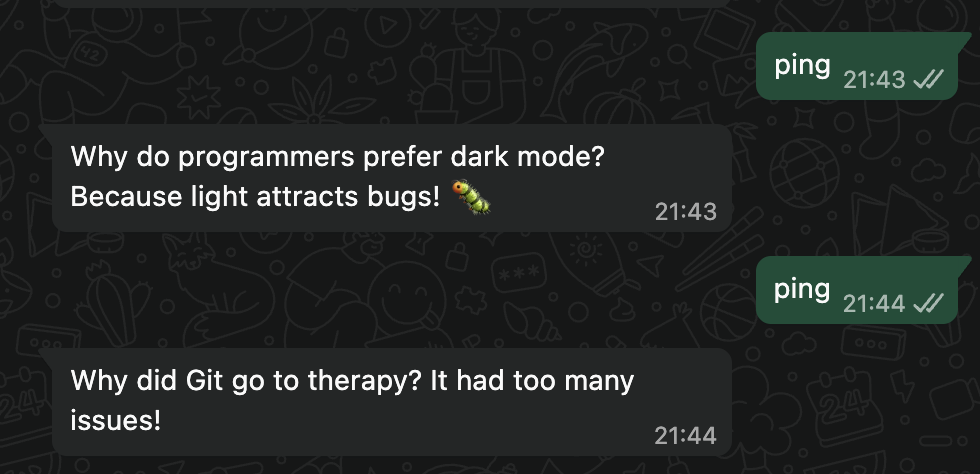
There’s also a ping skill that replies with a random IT joke.
Wow factor
A few moments while building this made me actually understand the excitement.
This is what Siri should be. Once you give a chat assistant real access to the systems you actually use (your home, your cluster, your news, your bug tracker, your mail, your calendar, your chats), the experience leapfrogs Siri or Alexa by an embarrassing distance. Siri can set a timer. Vasile orchestrates six devices, queries Prometheus, files a PR, and replies in the language I started in. It’s not that Apple couldn’t do this. It’s that they haven’t. With the right access and a half-decent skill library, a general-purpose assistant is what Siri will be someday. Probably soon.
You can tell it to change itself. It’s like telling Windows you want round windows instead of rectangular ones, and having that be a sentence, not a quarter-long roadmap item. Or, if you’re a platform engineer: imagine an internal developer platform that grows new capabilities every time you chat with it.
Intent as Code. My first experiment with intent-as-code worked better than expected: the whole assistant is rebuildable from intent stored in git. The Terraform repo (tf/vasile) handles the deterministic side: VM, packages, Infisical agent, OneCLI gateway, nanoclaw clone pinned to a Renovate-tracked tag. The runtime repo (wxs/vasile) carries the intent: a CLAUDE.md describing what skills exist, what channels are registered, what the bedtime routine does, what SQL fixes are needed, what mounts to wire. task tofu:apply finishes, Claude reads CLAUDE.md, and the rest of the assistant rebuilds itself from intent, end to end. If the VM is destroyed tomorrow, I run two commands and a few minutes later Vasile is back, with the same skills, the same routines, the same character.
Something else nanoclaw’s CONTRIBUTING guidance has stuck with me:
Don’t add features. Add skills.
If you want to add a new channel or agent provider, don’t add it to trunk. New channel adapters land on the
channelsbranch; new agent providers land onproviders. Users install them in their own fork with/add-<name>skills, which copy the relevant module(s) into the standard paths, wire the registration, and pin dependencies.
Trunk stays minimal, the review surface shrinks, every user gets exactly the modules they asked for. If this pattern generalises (and I suspect it does), open-source contribution shifts from “PRs against trunk” to “skill packs users opt into through their own assistant”. The future of contributing might be intent-based.
Declarative IaC says “this is the shape of the system”. Intent-as-Code says “this is what I want the system to do, and the agent figures out the steps.” Terraform realises the first. The second is being invented in real time, every day, in CLAUDE.md files like the one in this repo.
Chat as the right surface
Chat turns out to be the right surface for ambient ops. I don’t want a dashboard for “turn off the bedroom and start the sleep timer”. I want two letters. WhatsApp is already open on my phone. Vasile is already in a pinned chat. The friction is zero. Same goes for “any pods crashlooping?” at the kitchen counter, or “what’s firing?” before I open the laptop. The win isn’t capability that didn’t exist before; it’s removing the activation energy for capability that already existed.
A typical sequence: a memory-pressure alert lands in the alerts Slack channel. I ping Vasile to investigate. He pulls kubectl (read-only), finds the workload eating memory, opens a PR against the Flux repo bumping its memory request, and drops the PR link back into the channel. I merge from my phone. Flux reconciles, the alert clears. I never opened the laptop.
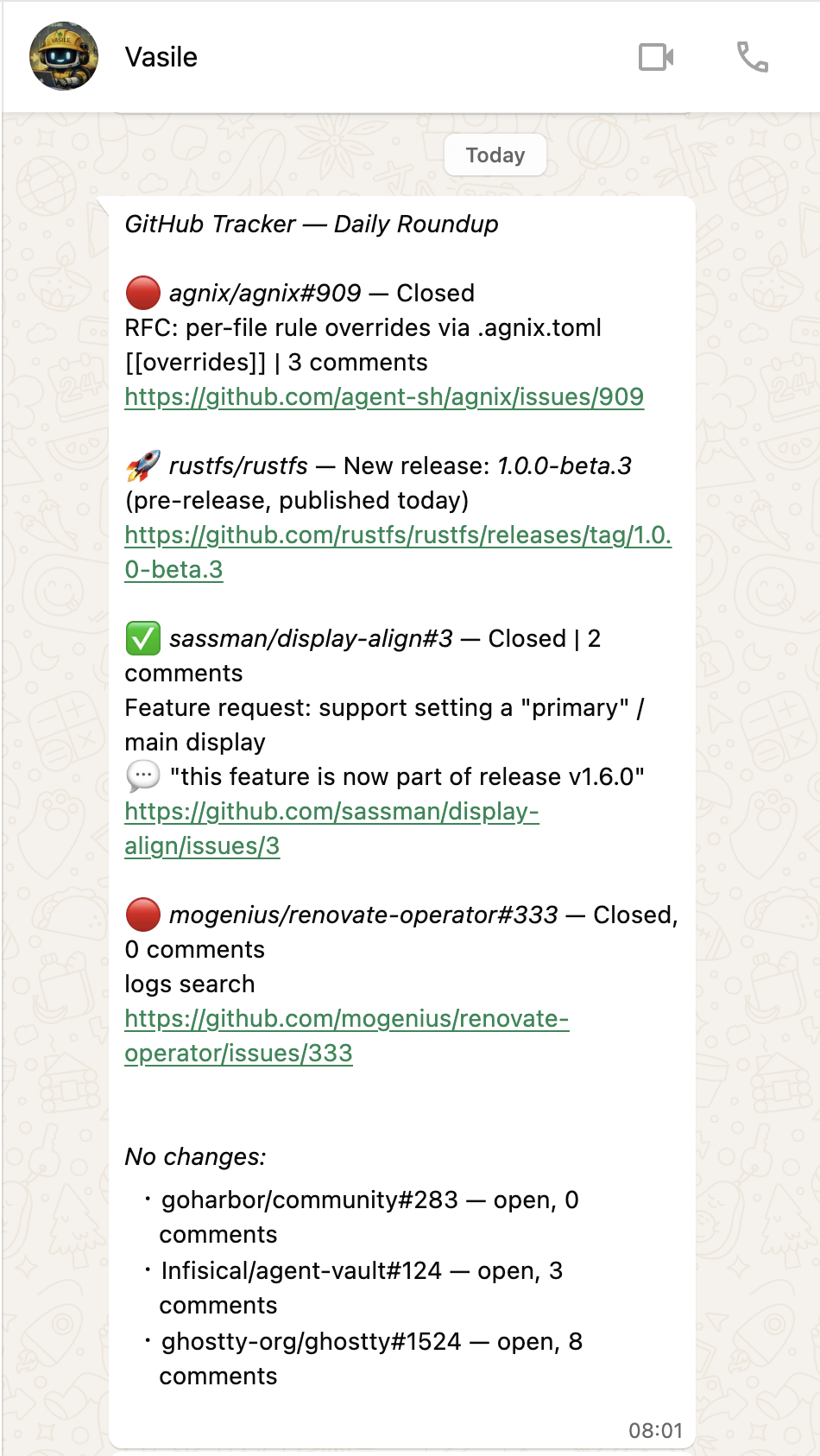
The same logic applies to GitHub. I follow a handful of upstream issues and releases — open-source projects I’m waiting on for a bug fix, a feature, a new version. GitHub’s own notification system works fine: email, the mobile app badge, the inbox. Instead, Vasile watches a list of specific issues and repos maintained in data/watched-issues.json. A pre-agent bash script runs the GitHub API check every morning at 08:00 and only wakes Vasile when something actually changed — new comment, state transition, new release tag. I could set up email filters or check the GitHub app. I just prefer chatting.
Two letters before bed.