RSS Readers
RSS is a 25-year-old technology that still beats every modern alternative for consuming content. No algorithms, no doom scrolling, no engagement bait. Just the content you want, from sources you trust.
Why RSS in 2026?
Social media platforms are designed to maximize your time on their platform, not to give you what you actually want. They stuff your feed with viral content, recommended posts, and engagement bait to keep you scrolling. The occasional good post feels like a jackpot — and that’s by design.
RSS flips this model completely:
- You control the feed — Subscribe to what you want, get exactly that
- No algorithm — Chronological, predictable, honest
- Finite consumption — Read, mark all as read, done. No infinite scroll
- Privacy — No tracking what you read, when, or for how long
- Trust — You picked these sources deliberately
The average person spends 2.5 hours daily on social media. With RSS, I check my feeds whenever I feel like it — a few times a day or a few days apart, it doesn’t matter. I catch up on everything that matters and move on. No FOMO, no notifications pulling me back.
The “Mark All as Read” Superpower
The greatest feature of any RSS reader is the ability to mark everything as read and walk away. There’s no equivalent in social media — the feed is infinite, always refreshing, always demanding attention.
With RSS, when you’re done, you’re done. The feed doesn’t guilt you into staying.
My Setup
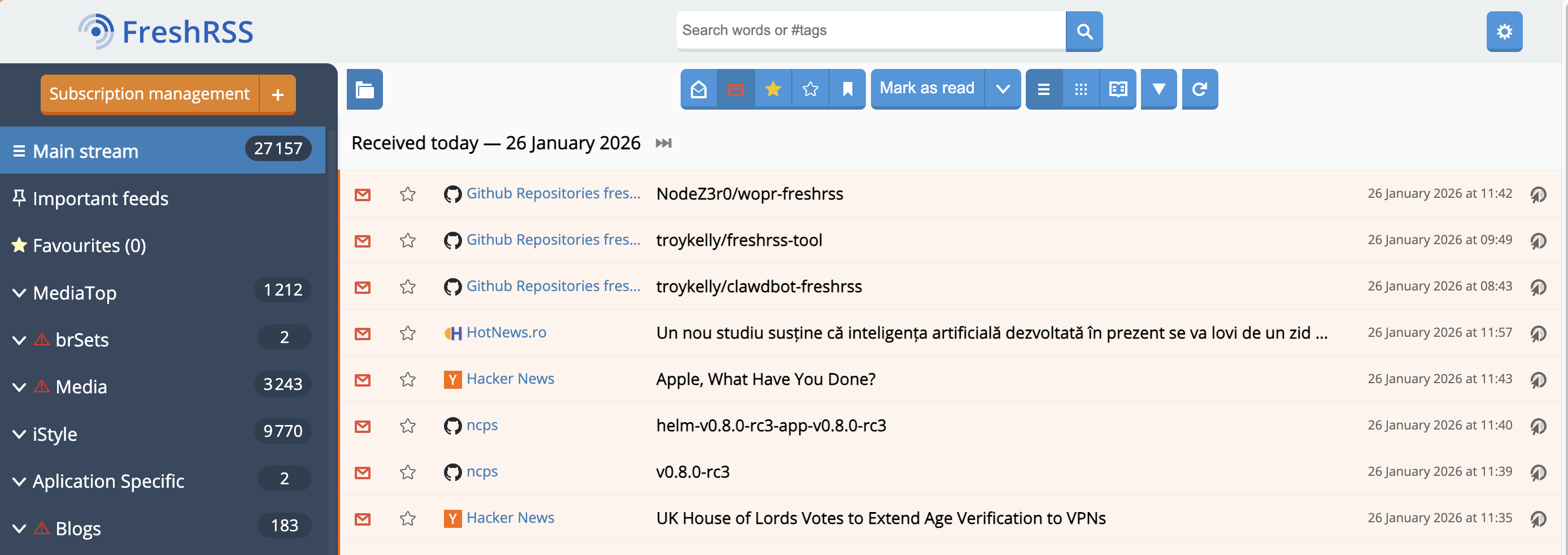
Server: FreshRSS
FreshRSS is a self-hosted RSS aggregator that handles the heavy lifting:
- Fetches and stores articles from all my subscriptions
- Handles 1M+ articles and 50k+ feeds without breaking a sweat
- Exposes a Fever API for mobile clients
- Built-in web scraper for sites that don’t offer RSS feeds
- Multi-user support if you want to share with family
Self-hosting means my reading habits stay private. No company knows what I read, when, or how often. The feed refreshes on my schedule, not theirs.
Client: Fiery Feeds
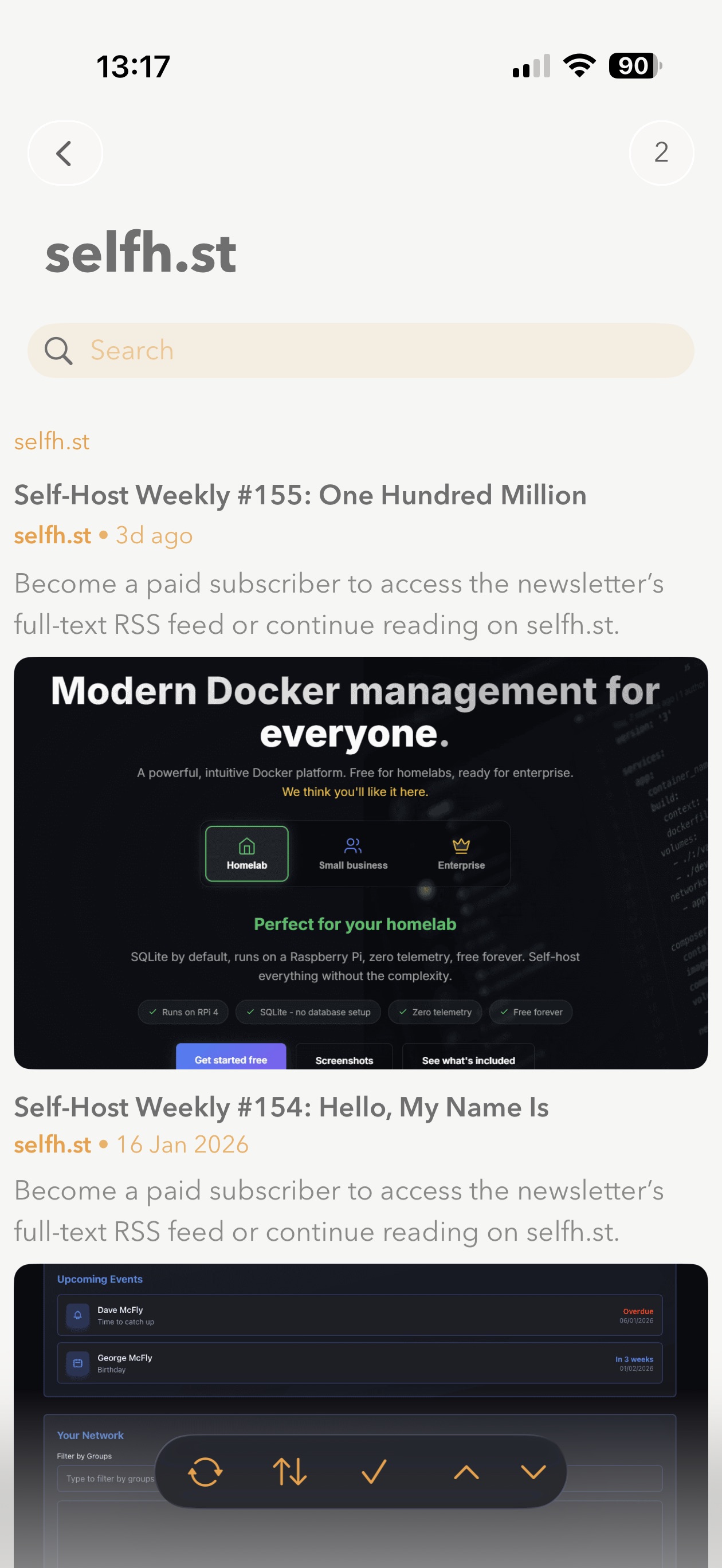
Fiery Feeds is my iOS client of choice. It connects to FreshRSS via the Fever API and offers:
- Smart views (Hot Links, Must Read, frequency-based sorting)
- Full-text extraction for truncated feeds
- Horizontal swipe navigation between articles
- Highly customizable themes and fonts
- Works across iPhone, iPad, and Mac with synced settings
The combination gives me a seamless experience: FreshRSS runs 24/7 collecting articles, and Fiery Feeds provides a polished reading interface wherever I am.
What I Subscribe To
I have 700+ feeds organized into categories. RSS isn’t just for blogs — here’s what I track:
DevOps & Tech
- Learnk8s, The Crossplane Blog, SRE Weekly, The New Stack
- DevOps’ish newsletter and subreddit
- Self-hosting blogs and homelab content
News & Aggregators
- Hacker News
- Romanian investigative journalism (Recorder, Hotnews)
Software Releases
- GitHub release feeds (
https://github.com/owner/repo/releases.atom) - App-specific blogs
Media
- YouTube channels — every channel has an RSS feed
- Podcasts — RSS is literally how podcasts work
The beauty is everything lands in one place. No app-hopping, no checking twelve different sites.
The Google Reader Wound
RSS adoption took a massive hit when Google shut down Google Reader in 2013. Reader had dominated the market, and when it died, many users never found their way back to RSS. They moved to Twitter, Facebook, and algorithmic feeds instead.
The irony is that RSS is still everywhere. Most websites still have feeds — they just don’t advertise them anymore. Podcasts run on RSS. YouTube has RSS feeds. Many “dead” sites will happily give you an RSS feed if you just add /feed or /rss to the URL.
Finding RSS Feeds
Not sure if a site has RSS? Try these:
- Look for an RSS icon (increasingly rare)
- Add
/feed,/rss, or/atom.xmlto the URL - Check the page source for
<link rel="alternate" type="application/rss+xml" - Use browser extensions like RSSHub Radar
- Use RSSHub to generate feeds for sites that don’t have them
The Bottom Line
In a world of algorithmic manipulation and attention harvesting, RSS is freedom. It’s decentralized, privacy-respecting, and puts you back in control of your information diet.
The technology isn’t obsolete — it’s just not profitable for platforms that make money from your attention. That’s exactly why you should use it.
Further Reading:
- No, RSS isn’t dead! — Andrew Blackman
- I Ditched the Algorithm for RSS—and You Should Too — Joey’s Hoard of Stuff